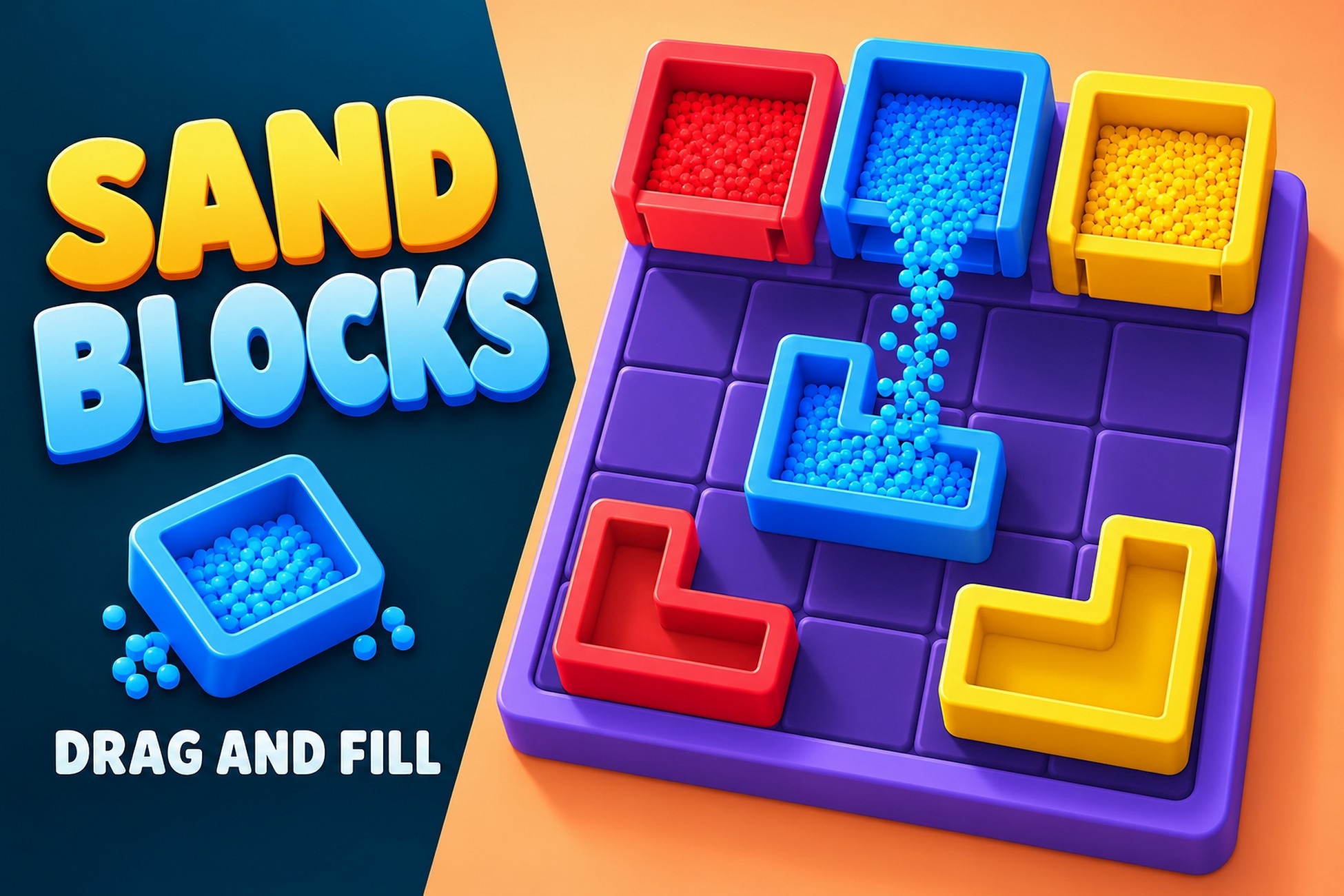
A box needs the right colour above it and a clear route through the board. Sand Blocks gives you a timed sand-filling puzzle to retheme, extend and tune, with a 500-level campaign and the tools that author its boards and tank queues.
Try First: Play in Browser | Read the Online Guide
⏳ Make each move count before the timer ends
Drag boxes through free cells beneath glass tank columns. Matching sand pours into a resting box; a full box clears its footprint and makes room for the next move. Fill every box to win, or reach zero on the countdown to lose. A supplied solution is replayed through the same simulation that runs the game.
🏗️ Build the board and its supply together
Paint the playable area and walls, reshape pieces and tanks, edit queued colour layers and place covers, keys or locks. Rebuild sand and a winning solution for a custom board, then validate it. The seeded generator supports append mode, cancellation and managed publication with backups. New candidates also pass the conservative permanent-wall route guard and timer replay.
🧱 Reveal new planning problems across the campaign
Nine board families introduce corridors, steps, pillars, channels, covered boards, towers, pockets and vaults. Layered supplies, numbered covers, hidden boxes, keys and pipe-fed tanks change which route is useful next. The two recorded source boards occupy levels 1 and 200. Each of the 500 levels ships with a recorded winning solution.
🛠️ Offer three distinct ways out of a difficult board
Freeze pauses the countdown for ten seconds. Hammer fills one valid targeted box using the tank supply. UFO fills all boxes of the targeted colour and removes that colour's queued sand. Persistent unlocks at levels 2, 7 and 12 grant two initial charges once; the shared bar explains each action and handles coin or rewarded refills.
📱 Connect the puzzle to a reusable product shell
The included first-party HyperCasualLiveOpsKit supplies the menu, level selector, results, economy, rewards and retention systems. Ads are included as provider adapters. Downloadable demos use local/mock configuration; separate vendor SDKs, consent, production IDs, store products and signing are buyer setup. Import the documented URP project roots, use Unity-provided fonts and retheme the supplied materials, palettes and feedback. The game-specific guide accompanies the package.
Asset uses Robert Penner’s Easing Equations under BSD 3-Clause License; see Third-Party Notices.txt file in package for details.
The full dependency and licence list is in Third-Party Notices.txt in the package.
The game-specific online guide explains importing the buyer package, configuring URP, editing levels, generating content and preparing platform services. The included kit manual covers its shared systems.
For product help, contact SatisVizion at [email protected]