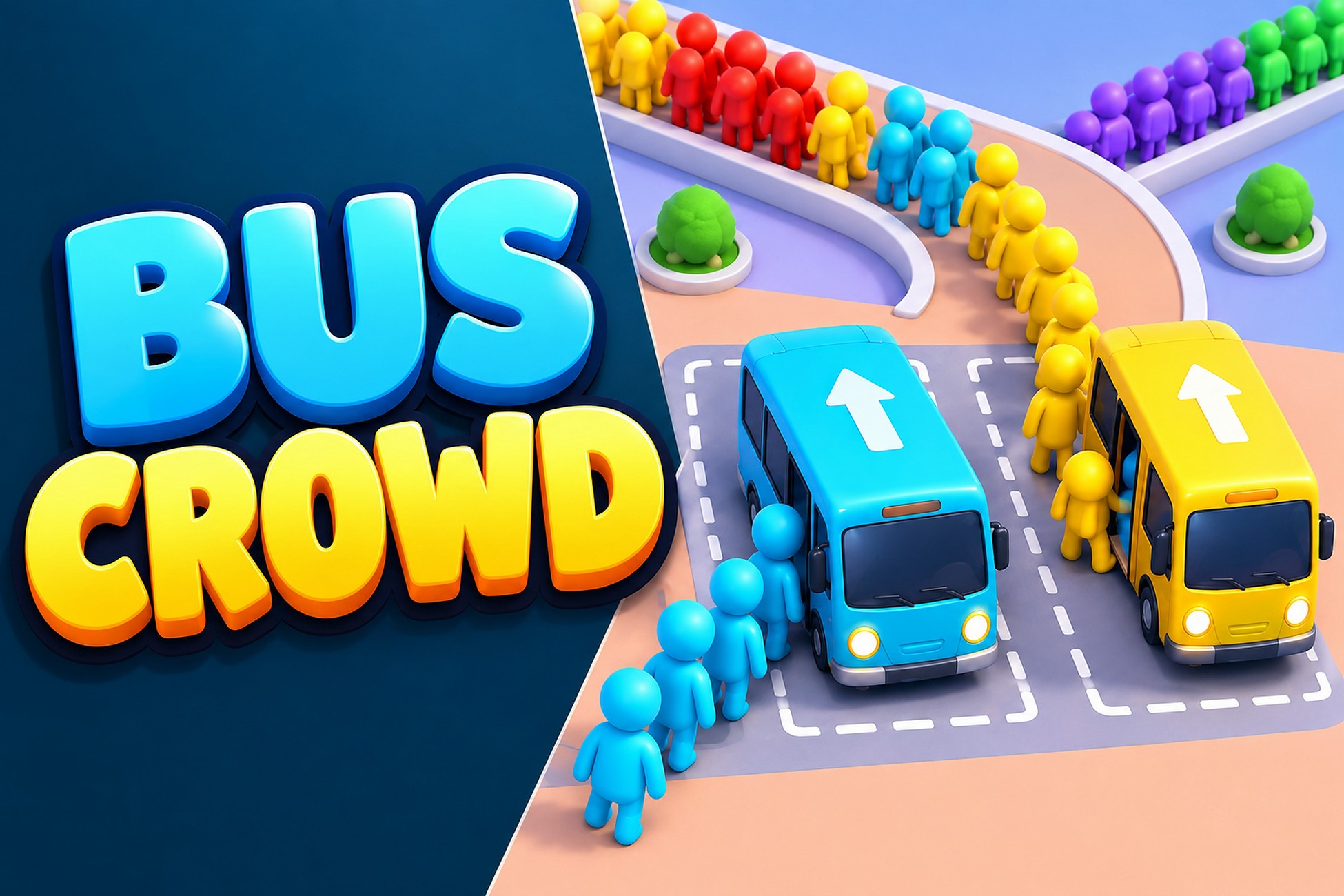
An open path is only half the puzzle. In Bus Crowd, a departing bus must also find waiting passengers of its colour before the timer expires. Tap vehicles out of a crowded depot, use four parking bays wisely and clear every bus as the queue and available routes change. The template includes ads, a 500-level campaign and the integrated HyperCasual LiveOps Kit.
Try First: Play in Browser | Read the Online Guide
Read the depot, then dispatch
Vehicle headings and blocked exit paths determine which buses can move. A bus reaches an available bay, boards matching passengers and leaves when full. Mystery buses reveal as the depot opens, adding another decision to a timed board.
A crowd that changes your next move
Passenger rows travel around the ring road and feeder arms. Vehicle colour, capacity, parking availability and the waiting sequence work together; clearing one blocked exit can change the order that makes the remaining depot solvable.
Three ways to recover a tight board
Crowd Shuffle brings a matching waiting row forward, Balloon lifts a selected blocked bus into a free bay, and Bus Shuffle swaps equal-size waiting vehicles. Their existing effects connect to the shared stock, tutorial and offer flow, with separate introductions at levels 2, 7 and 12.
Author the route and prove the board
The visual editor exposes bus placement, rotation, size, colour and mystery state, plus route copies and formations. A generator builds seeded campaigns and replays accepted winning solutions through the real simulation. Review a small append batch, validate it and publish it with the previous campaign preserved. Recorded reference levels are read-only in the visual editor.
Carry the result into your game loop
The shared menu connects level selection, rewards, local progression, offers, missions and LiveOps surfaces. Ads are included through provider adapters. The downloadable demos use local/mock providers; configure your own vendor SDKs, consent and production IDs before release.
Asset uses Robert Penner’s Easing Equations under BSD 3-Clause License; see Third-Party Notices.txt file in package for details.
The full dependency and licence list is in Third-Party Notices.txt in the package.
The game-specific online guide explains importing the buyer package, configuring URP, editing levels, generating content and preparing platform services. The included kit manual covers its shared systems.
For product help, contact SatisVizion at [email protected]